
New
Here you can either add subscribers manually one by one, or import an entire list.
To add subscribers one by one, click the “New Subscriber” button.
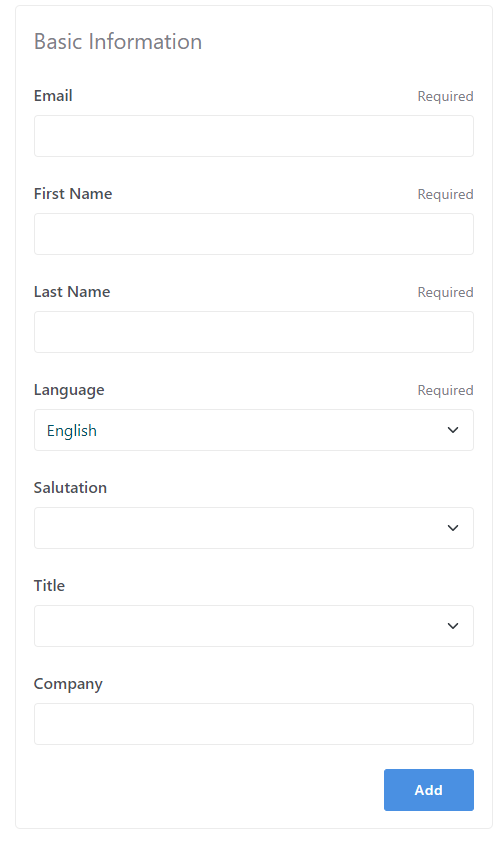
You need to provide the details about the new contact such as the Name, First Name, Last Name, Language, and others informations as seen in the image below.

To import an entire list of subscribers, click the “Import Subscribers” button.

To import subscribers correctly ,there are some important requirements for formatting your data.
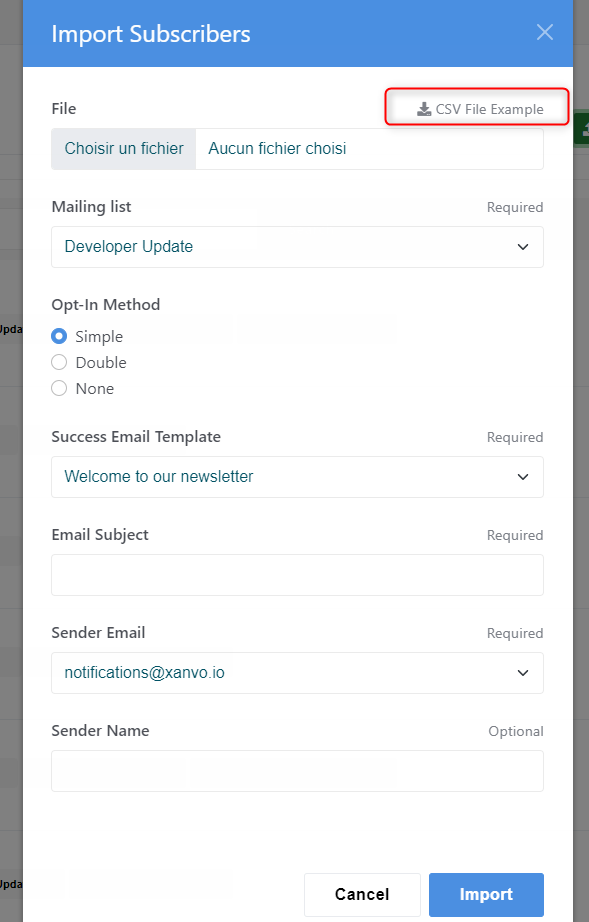
It is recommended to download the file template which provides the valid CSV file structure.
The header of the first column in your CSV should be the following:
-
email
-
firstname
-
lastname
- salutation
- title
- company
- locale
