
Configuration and Settings
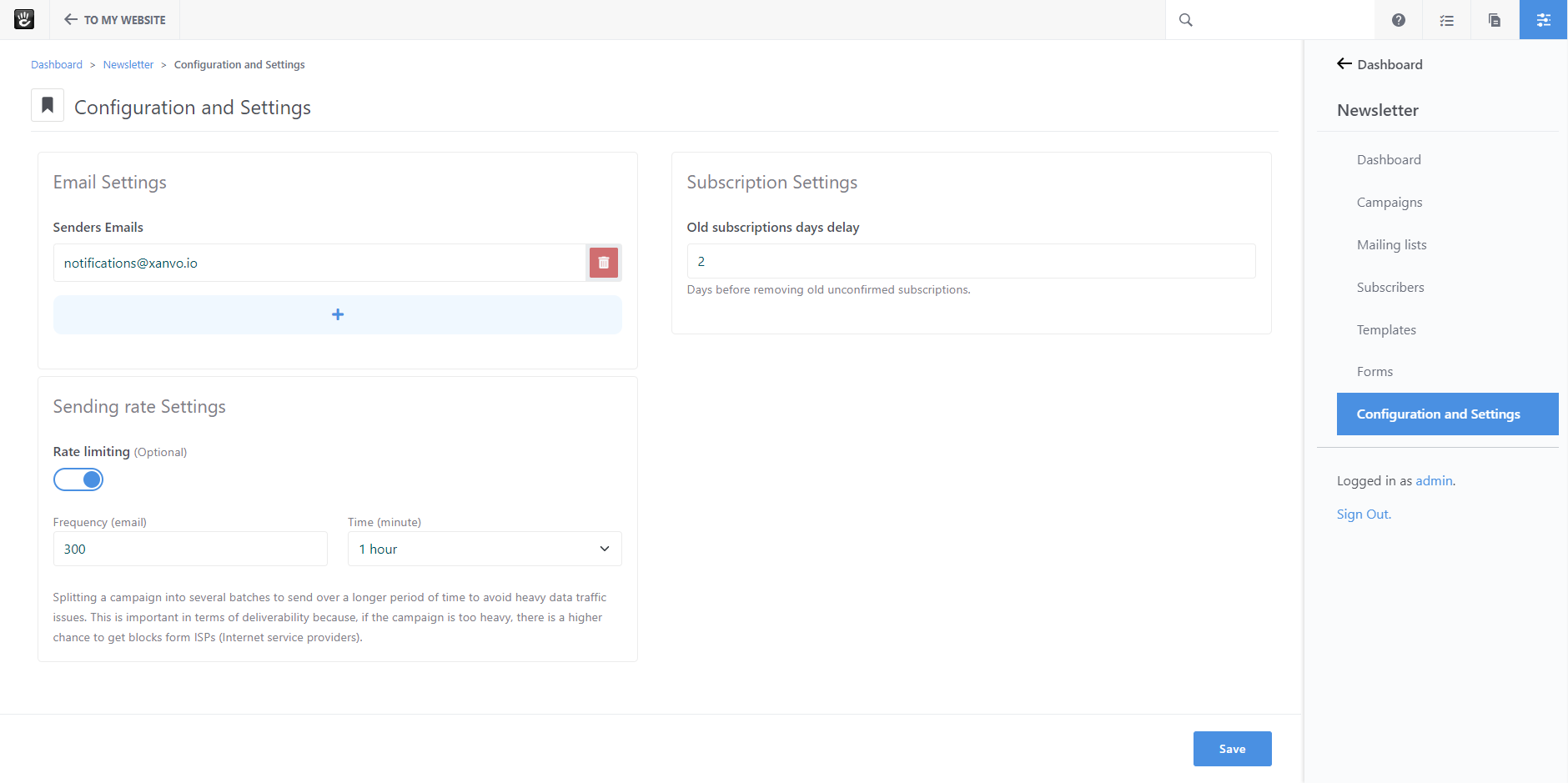
Sender emails
The sender is “who” is sending emails to your subscribers. Usually, the best choice is to use an email address from your domain with a real mailbox behind it.
Rate limiting
By enabling this option, you can set the maximum number of emails sent over a defined period of time.
That feature saves you from hiting the provider limits and deliver newsletter emails at fixed speed .
Splitting a newsletter into several batches to send over a longer period of time to avoid heavy data traffic issues.
This is important in terms of deliverability because, if the newsletter is too heavy, there is a higher chance to get blocks form ISPs (Internet service providers).
Unconfirmed subscriptions lifetime
Newsletter keeps track of subscriptions by storing a timestamp. This date and time are then used to compute the inactive subscribers when no subscriptions confirmation are seen for a period of time. We completely delete those subscribers from your database.
This is a standard practice to avoid hard bounces (invalid or unused addresses) and spam complaints to preserve your reputation as a sender.