
Design
Email design matters in any successful email marketing campaign. If your emails look terrible, that reflects badly on you, and can make people stop reading. With more people than ever reading emails on mobile devices, it’s important to use a responsive email template so your email resizes automatically whether people are reading it on a phone, tablet, or desktop.
Use the Concrete CMS Page Editor to make changes to your design.
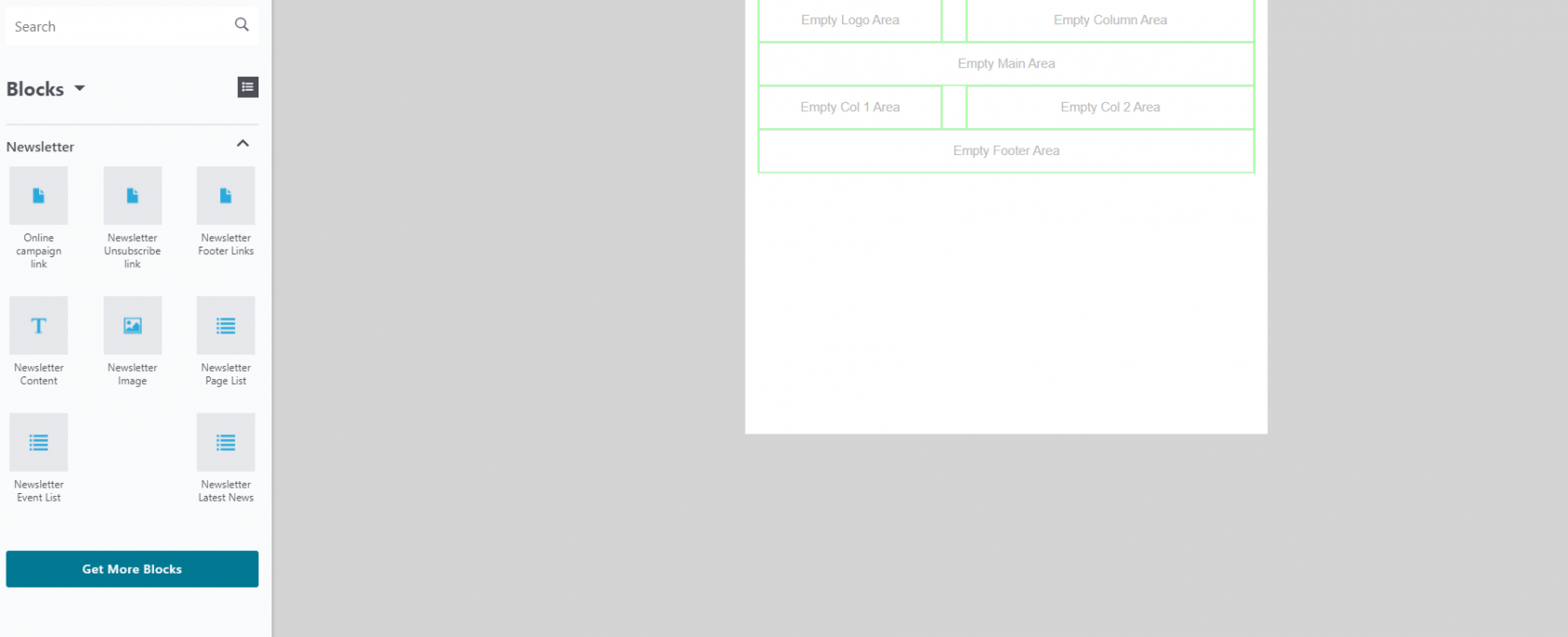
To get the desired layout of your email, you'll need to insert multiple Blocks.
Drag & drop any Blocks you want to use from the Blocks right panel into your template.
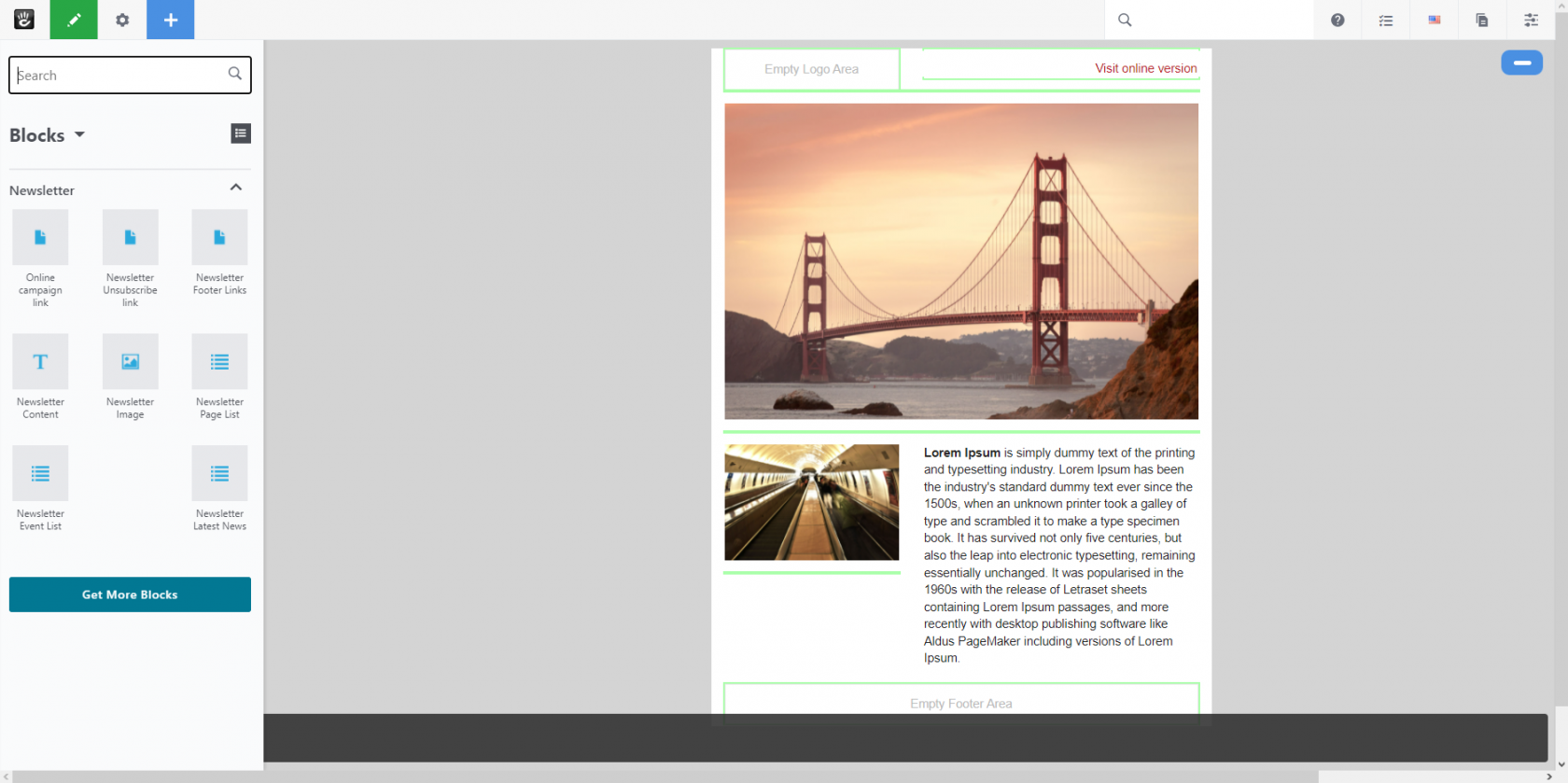
Available Blocks:
Newsletter Content

This Block allows you to add text to your newsletter.
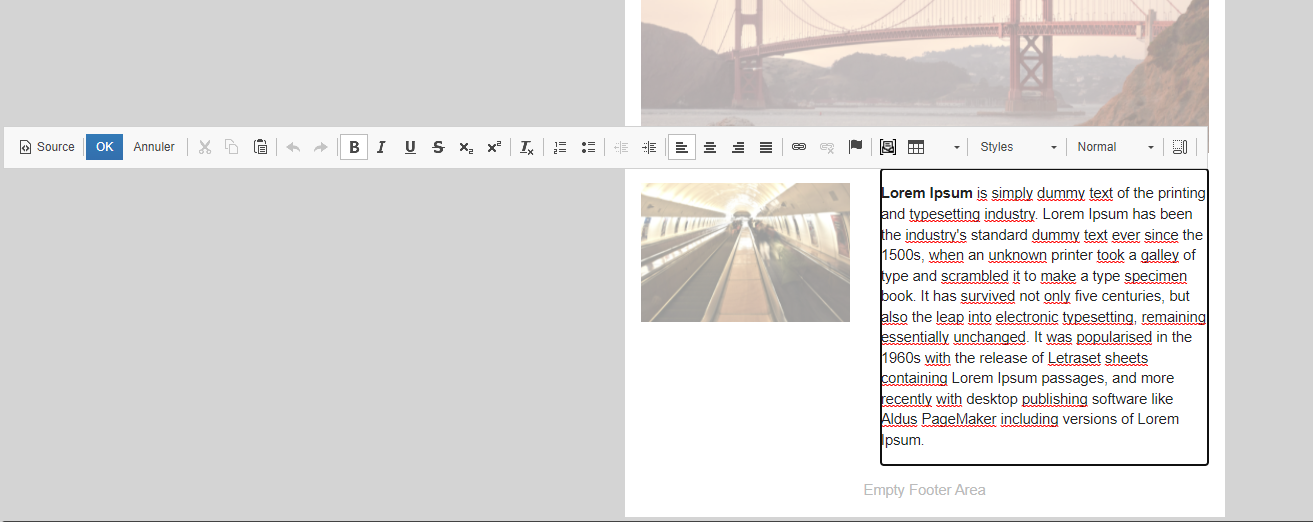
You can customize the text in many ways via the text editor toolbar.

Easily add personalized text (Placeholders) to your email campaigns by clicking on the “Newsletter Placeholder” dropdown and selecting the required placeholder.
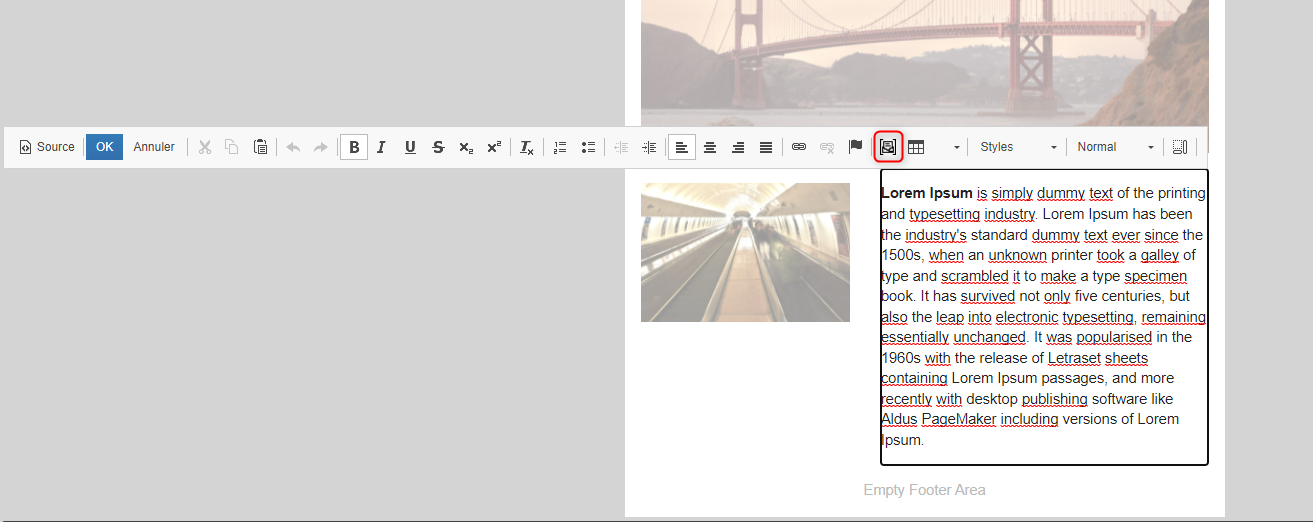
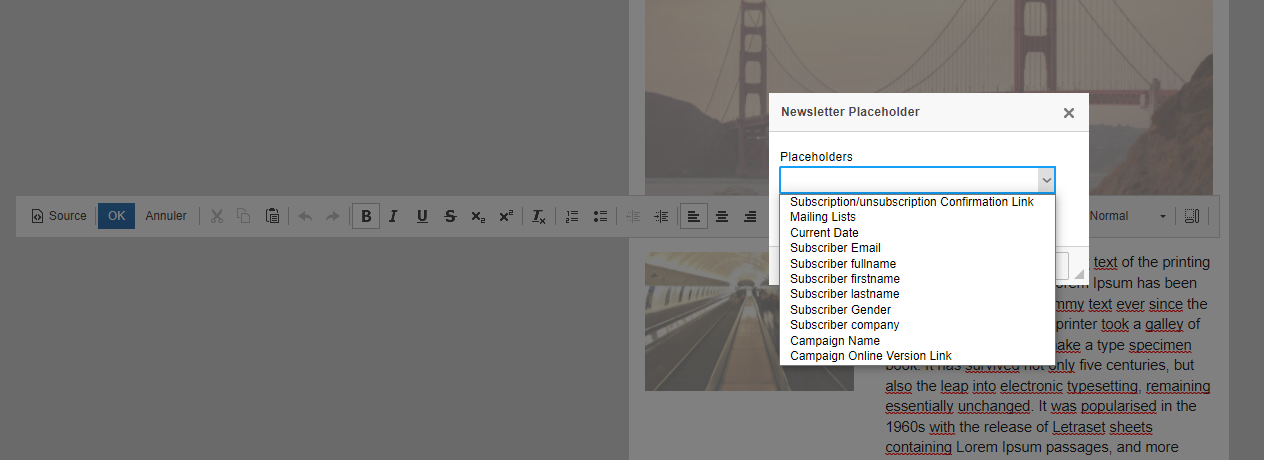
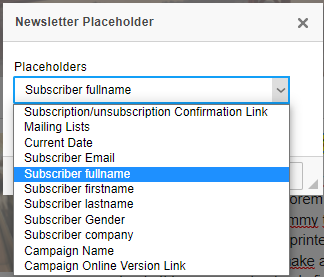
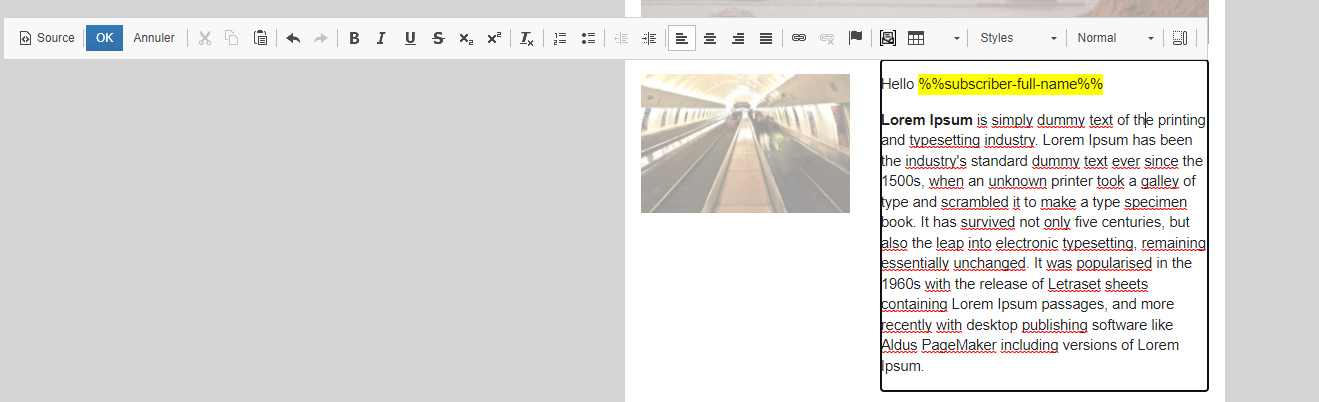
If you add personalized content to a certain section of your email message like subscriber's full name, first name, last name and email, then Newsletter package automatically uses subscriber information in that section, if it exists for the subscriber receiving the email.
Newsletter Image
This Block lets you add images to your emails. You can easily choose from uploaded images as well as directly upload new images in your Concrete CMS site file manager.
Newsletter Page List
You can easily add your Concrete CMS site Pages to your campaign template.
Newsletter Event List
This Block enable you adding Events selected from your Concrete CMS site Calendars.
Newsletter Latest news

Add your site pages by selected Page Types
Newsletter Unsubscribe Links
Include an opt-out / unsubscribe link in your campaign email (required by law in some countries)
Newsletter Footer Links
Include site links in the footer, add your contact page, imprint page and social media links to the bottom of every email.
Newsletter Campaign Links
Activate a web page version of this campaign gives recipients another way to view an email if they're having issues.
Emails are only sent in the language that you write them in and aren't automatically translated. You can create mailing list and campaign to target a specific audience of your subscribers based on language.
Consider the campaign design your organization needs. If you are consistently creating the same design of campaigns, you should consider making those campaigns into templates. Templates are an easy way to speed up your campaign design process.