
EN / Information on the webiste environment
manual: here you will find the “Information on the website environment” in the backend
dashboard -> system & settings (see screenshot):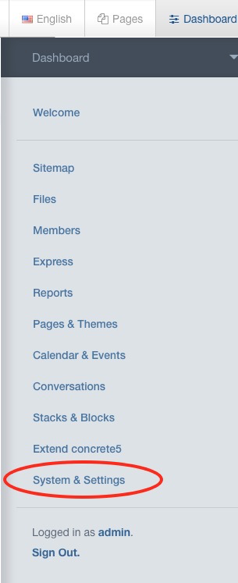
Under „Environment“ click on „Information about the website environment“ (see screenshot):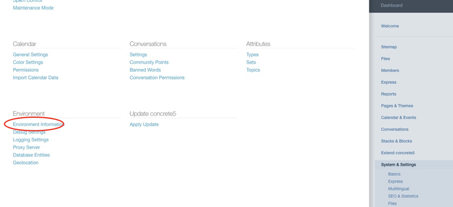
Now please copy all information about the website environment from the field (see screenshot).
Please make sure to copy the entire text and, if necessary, scroll further down.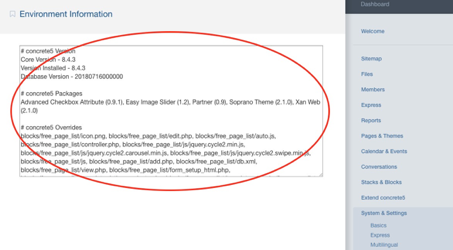
Then paste the copied text in the requested form into the text field „Information about the website environment“.