Mailing lists
Mailing lists
A Mailing list is basically a contact list of your subscribers. Think of it as a contact book containing email addresses of all the users who sign up to receive your email newsletter.
this feature enables you to group together subscribers who have similar characteristics into different Mailing lists.
The most successful email marketing campaigns start with an email list full of qualified leads that are interested in what you have to offer.
So to keep your contacts organized, you need to create an email list.
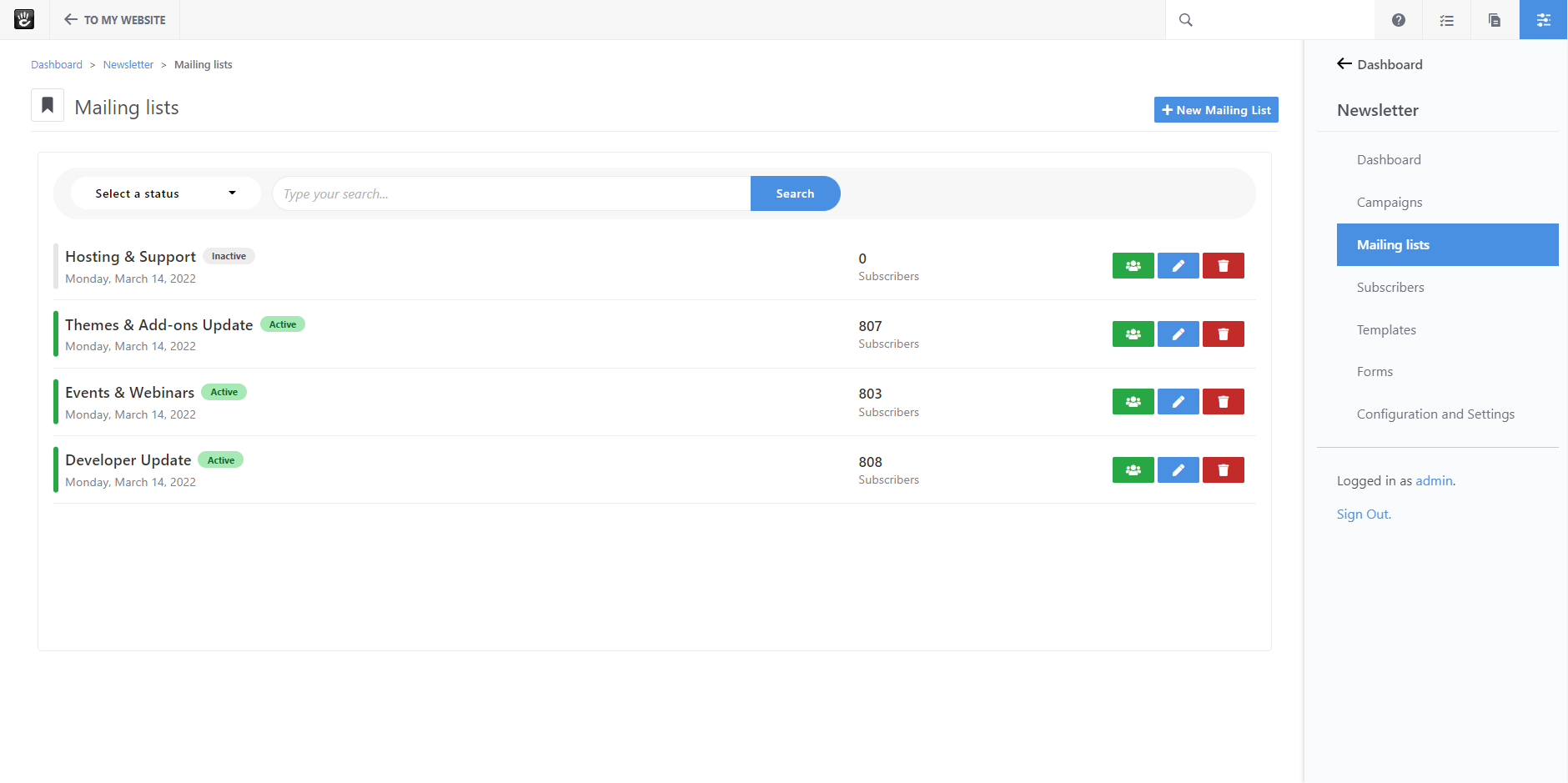
New
Simply click on the ‘New Mailing List’ link from the top menu.

Enter a name and a description that helps you easily identify the list.
Next, click on the ‘Add’ button, and Newsletter package will create the list for you and open a contacts interface to manage your list subscribers .

You can manually add a contact to your list by clicking on ‘Subscribe’ button and this will show you a dialog , asking how you would like to configure how to send the contact subscription.

You need to select 'Opt-in / Opt-out Method'
-
Simple: Sending a welcome email to that contact email address after adding it to the list.
-
Double: Sending a confirmation email to that contact email address in order to request contact confirmation and permission before adding it to the list.
-
None: Adding contact to to the list without sending welcome or confirmation email.
If you select 'Simple' or 'Double' as a method, choose the email template you want to use.
And you need to enter the sender email and sender name you would like to send your email from.
Click 'Confirm' button
Using a double opt-in subscription system can improve your email deliverability as well as the quality of your mailing list.